 Tadween
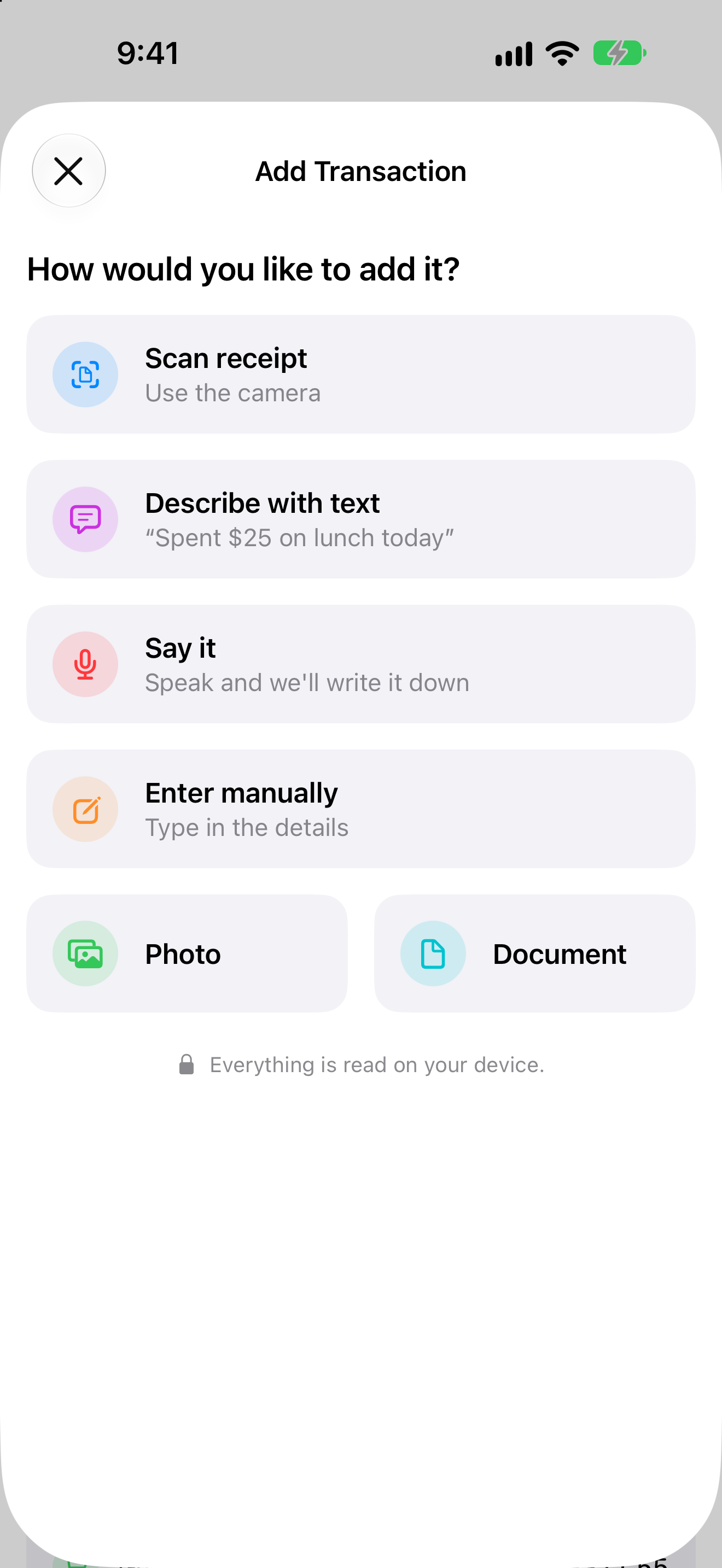
Add it the way that suits the moment.
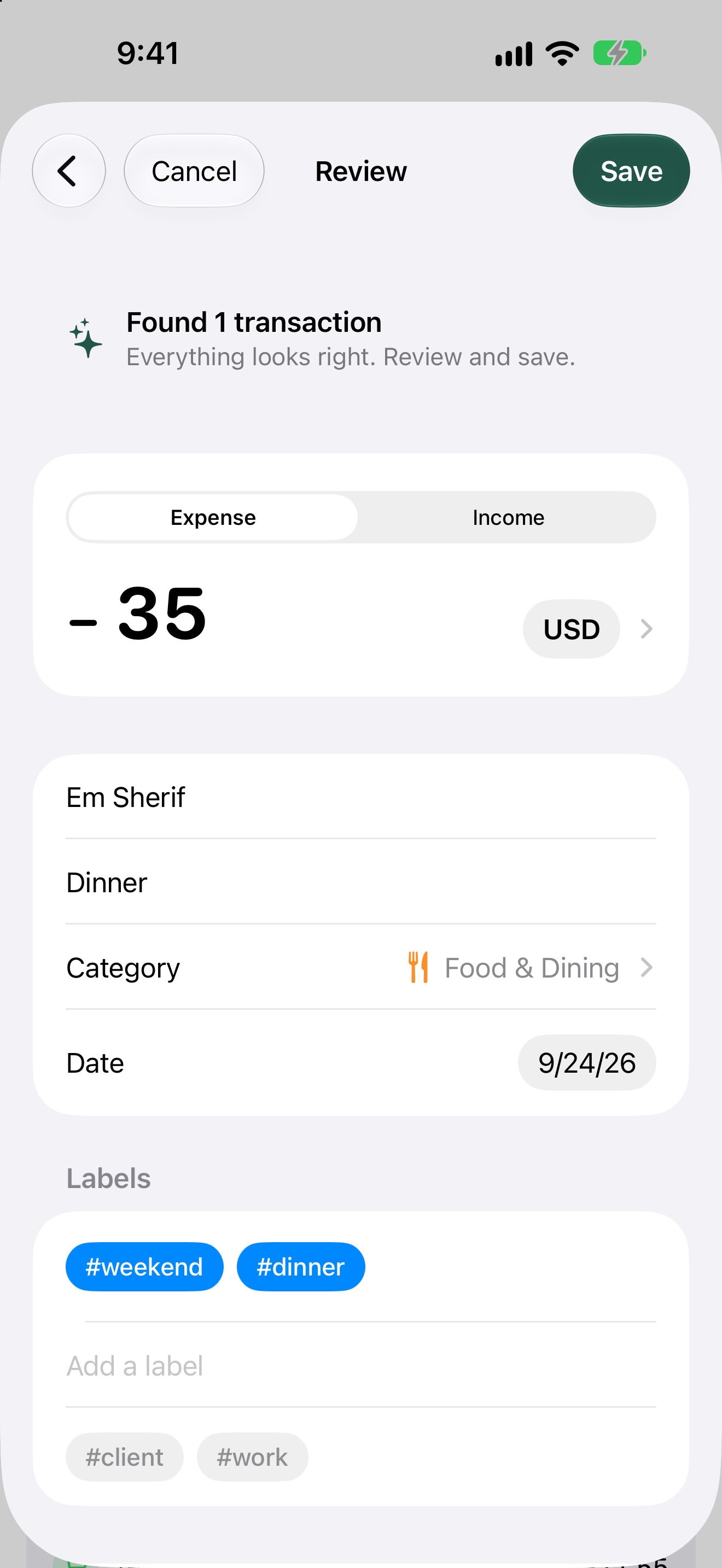
Tadween reads what you give it and fills in the amount, currency, date, merchant, category and labels. Anything it isn't sure about is highlighted, and nothing is saved until you review it.
- Scan a receiptPoint the camera at it.
- Describe itType or paste a sentence.
- Say itSpeak, and it's written down for you.
- ImportPick a photo or a PDF.
- Enter it yourselfEvery field, by hand.
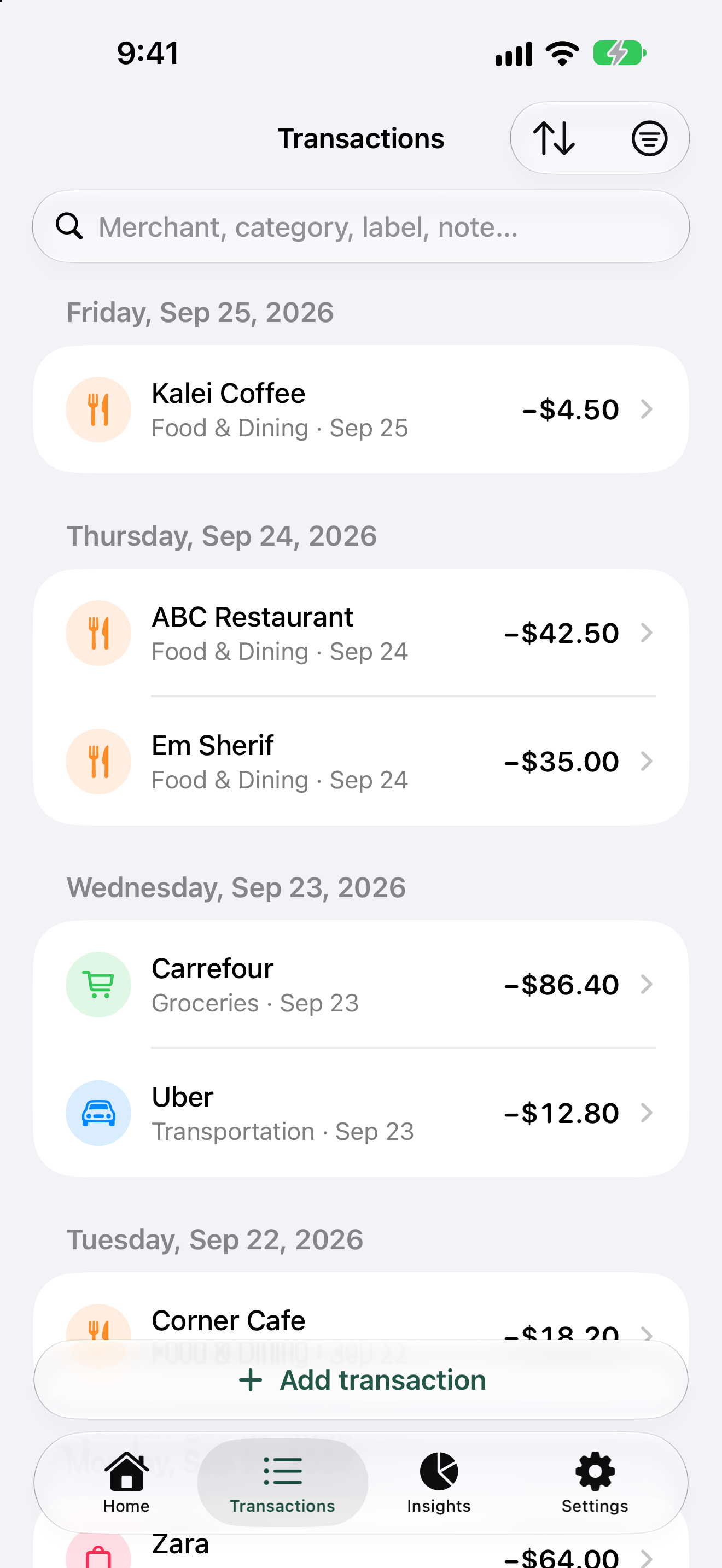
Spent $35 on dinner at Em Sherif yesterday
Found 1 transactionEverything looks right. Review and save.
−35USD
- Merchant
- Em Sherif
- Note
- Dinner
- Category
- Food & Dining
- Date
- Yesterday
- Labels
- #dinner
A quiet place for your numbers.
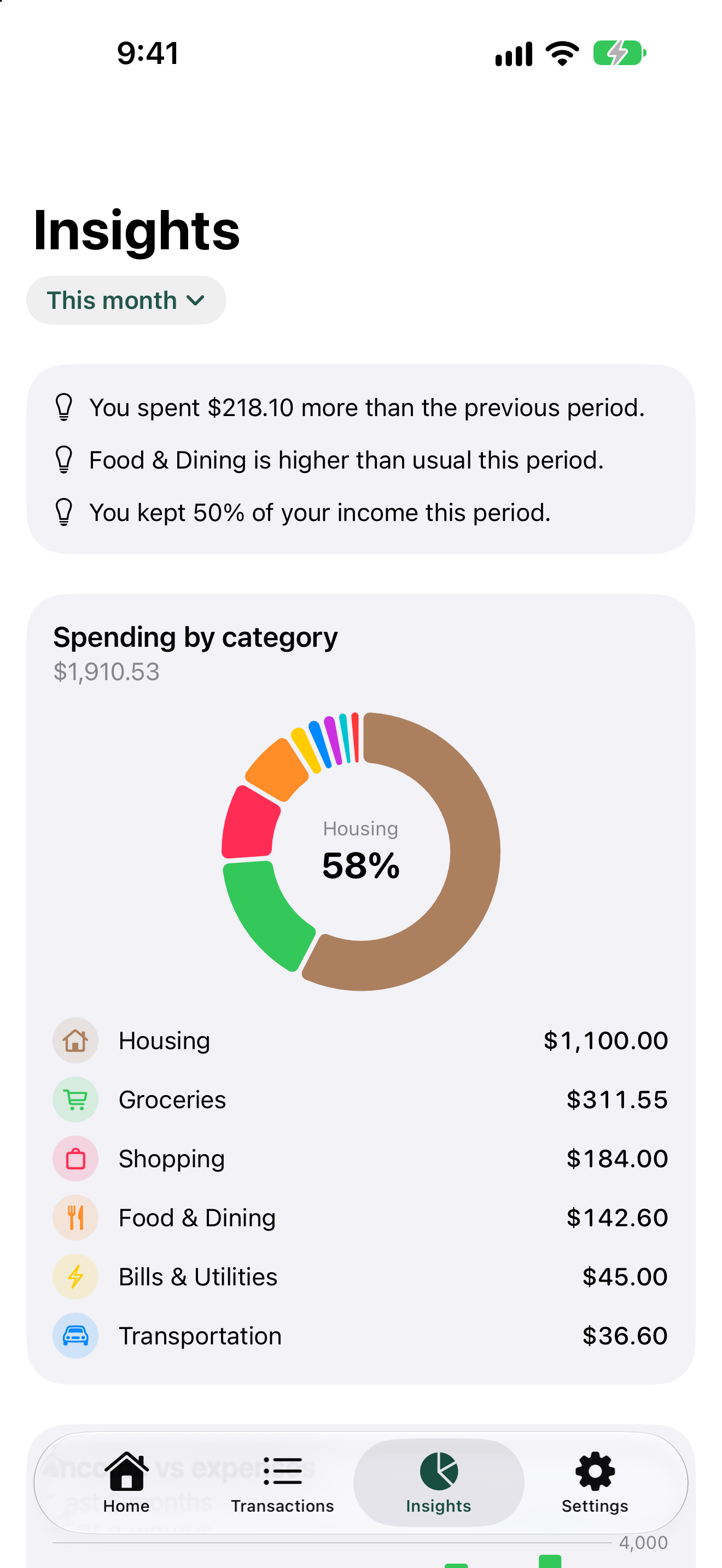
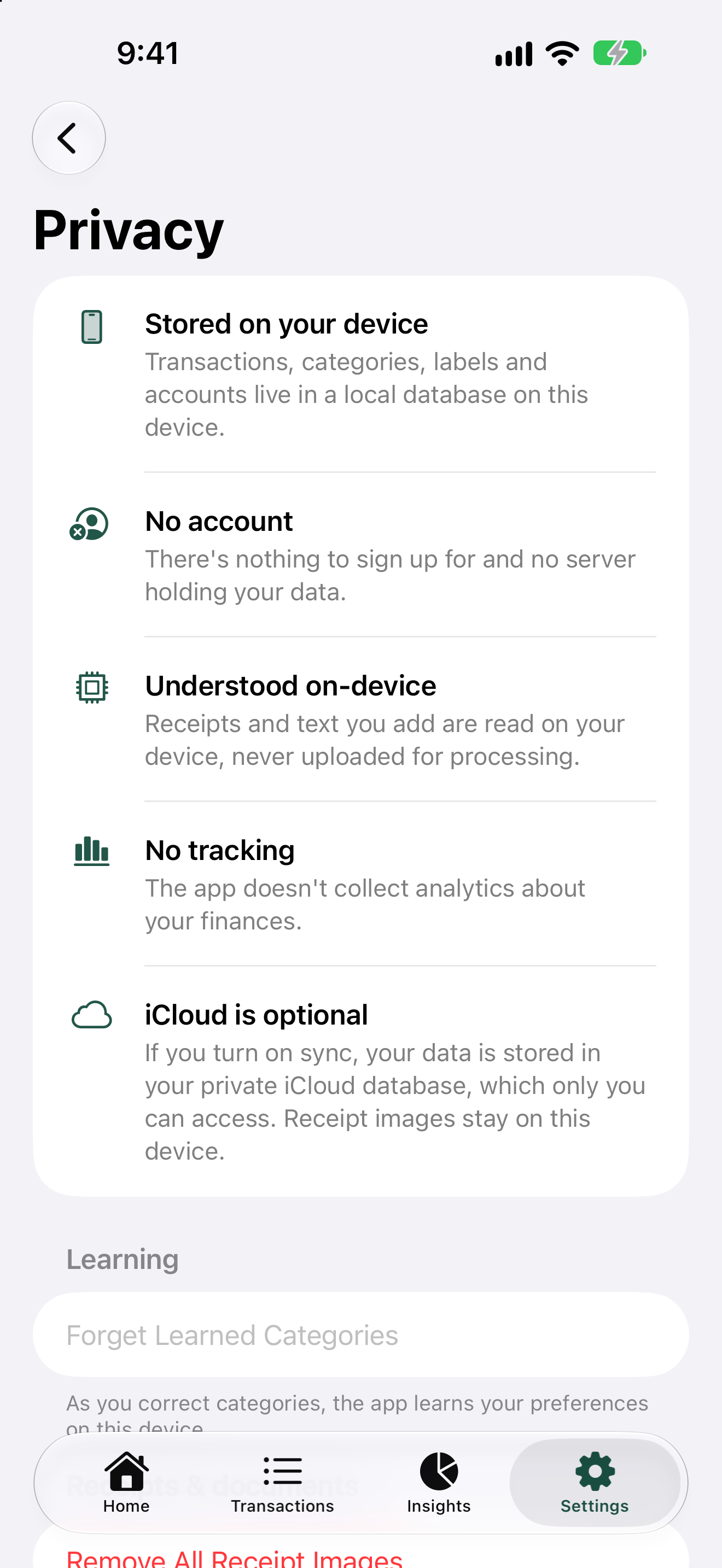
Your finances stay with you.
Tadween has no server and no account system. We couldn't read your data if we wanted to. The details are in the Privacy Policy.
- No account
- Nothing to sign up for. Open the app and start.
- Stored on your iPhone
- Transactions, accounts, goals and receipts live in a database on your device.
- Understood on the device
- Receipts, text and voice are read on your iPhone by default. Questions you ask in Ask are answered there too, with Apple Intelligence.
- iCloud only if you want it
- Sync uses your own private iCloud database, which only you can access. Receipt images never leave the device.
- No ads, analytics or tracking
- There are no tracking tools in the app, and no ads.
- Gemini is your choice
- For dialects and Arabizi, you can connect your own Google Gemini key. It's off until you turn it on, and your transactions and receipt images are never sent.
Everything else it does.
See the whole picture
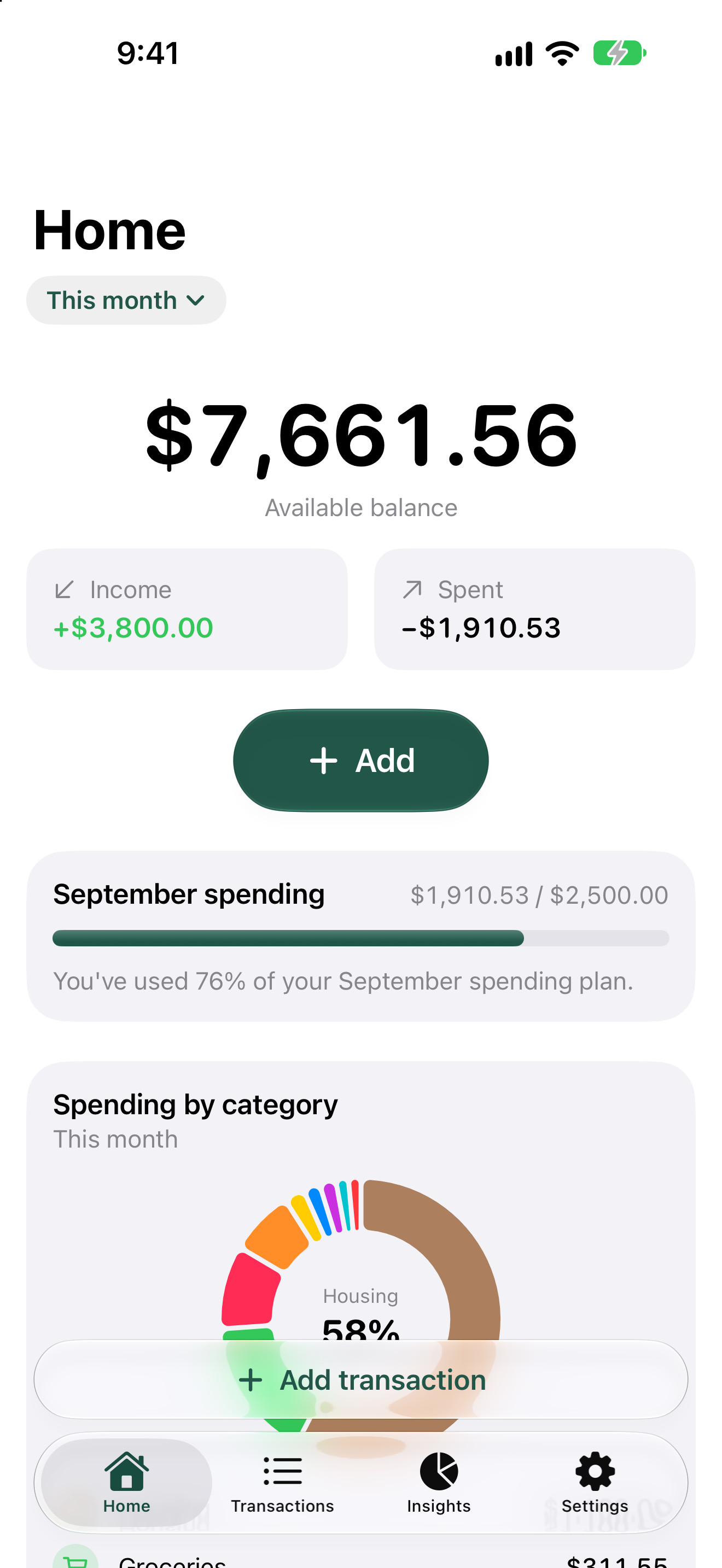
- Your balance, income and spending at a glance
- A gentle monthly spending plan, with no alerts
- Spending by category and label, top merchants and month-to-month trends
- Factual notes like “Food & Dining is higher than usual this period”
Organized your way
- Categories with your own icons and colors
- Labels such as #work, #trip or #client, across any category
- Accounts for cash, bank accounts and cards, each with its own balance
- Every transaction keeps its original currency; nothing is converted
Build good habits
- Savings goals with progress you can see
- Recurring transactions for salary, rent and subscriptions
- A daily streak and small milestones you can dismiss
- An optional daily reminder that never shows amounts or merchants
Your data, your files
- A full JSON backup you can restore at any time
- Restoring checks the file first and never deletes existing data
- CSV export for Numbers, Excel or Google Sheets
Available in English, Français and العربية.